Secure Video Vault to Hide Private Videos
Videos are often the most personal files on a phone. HypaVault records them straight into an encrypted vault and plays them inside the app, so they never sit in your gallery.

Secure Video Vault at a Glance
Secure Video Vault is the Videos tab in HypaVault, where private videos are recorded, encrypted and played without passing through your gallery. The in-app camera records straight into the vault, and imported videos are encrypted with AES-256-GCM before they're saved. Each file is stored in encrypted 4 MB pieces, so large videos stream as they play instead of being decrypted whole.
- In the App
- The Videos tab
- Playback
- Streams from encrypted 4 MB pieces
- Recording
- In-app camera, straight into the vault
What Secure Video Vault Does
Recorded Straight Into the Vault
The in-app camera records video directly into HypaVault. Nothing is saved to your phone's gallery.
Plays Without Decrypting It All
Each file is stored in encrypted 4 MB pieces, so large videos stream piece by piece as they play.
Every Video in One Place
The Videos tab shows every video in the vault, wherever it's filed, newest first and grouped by month.
How to Use Secure Video Vault
3 steps, shown on the screen you'll see in the app.



Questions About Secure Video Vault
Record and play private videos inside the vault.
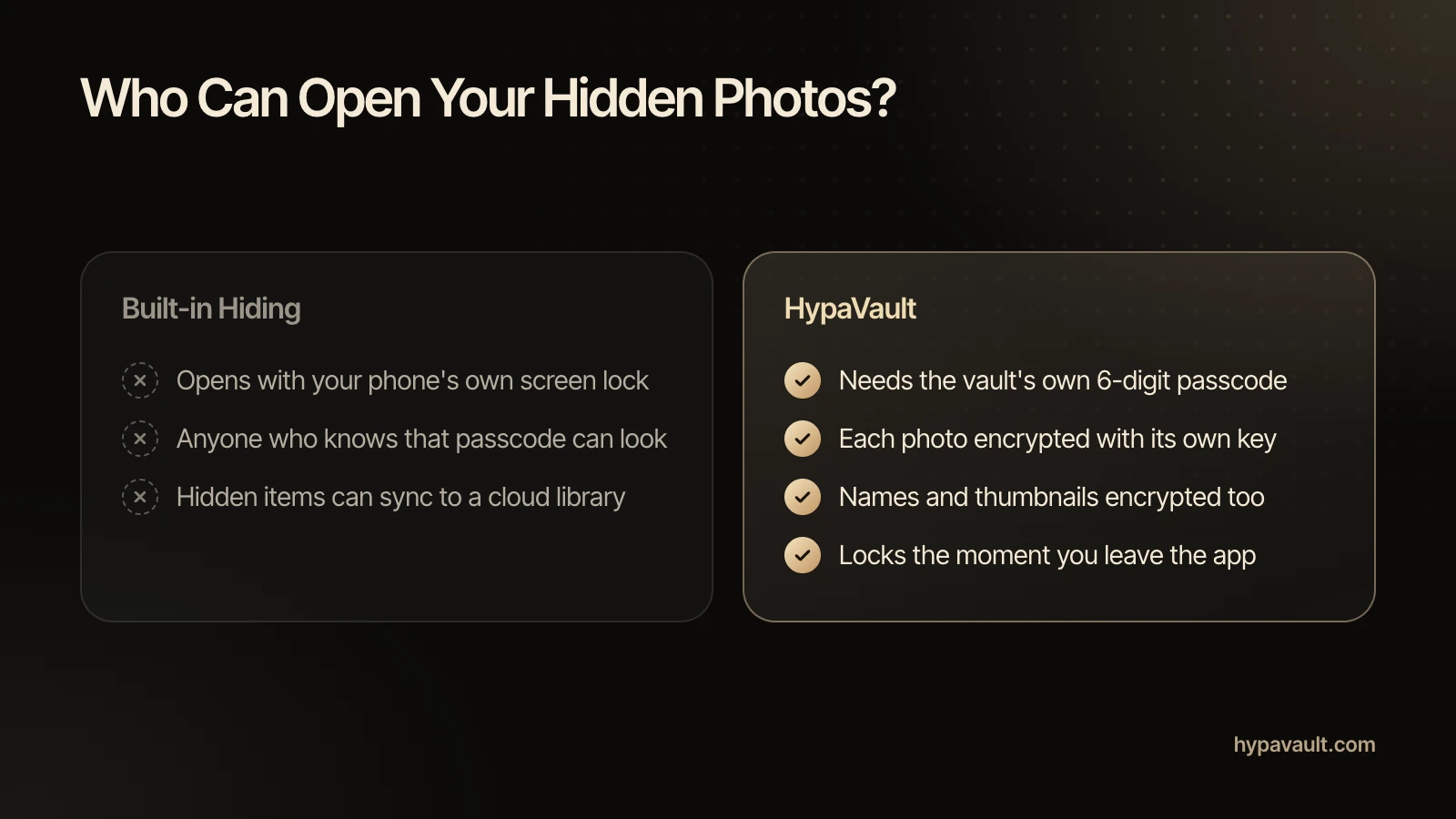
Use a vault that really encrypts. A hidden folder only moves files out of view. HypaVault encrypts each video on your phone, and it plays only inside the app.
Read the Help ArticleImport them from Photo Library or record them with the in-app camera. Then delete the originals in the Photos app, including Recently Deleted.
Read the Help ArticleYes. The in-app camera records straight into HypaVault. Nothing is saved to your gallery.
Read the Help ArticleYes. Large videos stream from their encrypted 4 MB pieces as they play, so they're never decrypted whole or saved back to your gallery.
Read the Help ArticleIn the Videos tab, newest first and grouped by month, wherever they're filed. They're in Files too, inside their folders.
Read the Help ArticleYes. Share decrypts a copy for your phone's share sheet, after a warning that the copy leaves the vault unprotected.
Read the Help ArticleFree holds 5 videos, counted across the whole phone. Pro removes the limit.
Read the Help ArticleYes, with a backup or your recovery phrase. Restore a .hypa backup, or bring the vault over with its recovery phrase. With Pro you can also send it over Wi-Fi.
Read the Help Article
Go Further with Secure Video Vault
The full walkthrough, the reasoning behind it, the short version of each task and a free tool to check your own setup.