Seed Phrase Storage and Encrypted Private Notes
A screenshot of your seed phrase sits in your photos, where malware can scan for it. HypaVault keeps your wallet's words as an encrypted note, hidden until you press and hold.

Notes and Seed Phrases at a Glance
Notes and Seed Phrases is the Notes tab in HypaVault, where crypto seed phrases and private text notes are encrypted with AES-256-GCM on your phone. A seed phrase note holds a 12 or 24-word wallet phrase in a numbered grid, and the words show only while you press and hold. In the list, a 12-word phrase reads "12 words, hidden". Text notes save as you type, and anything you copy clears from the clipboard after 60 seconds.
- In the App
- The Notes tab, or + › New Note
- Seed Phrases
- 12 or 24 words, hidden until you hold
- Clipboard
- Copied secrets clear after 60 seconds
What Notes and Seed Phrases Does
Hidden Until You Hold
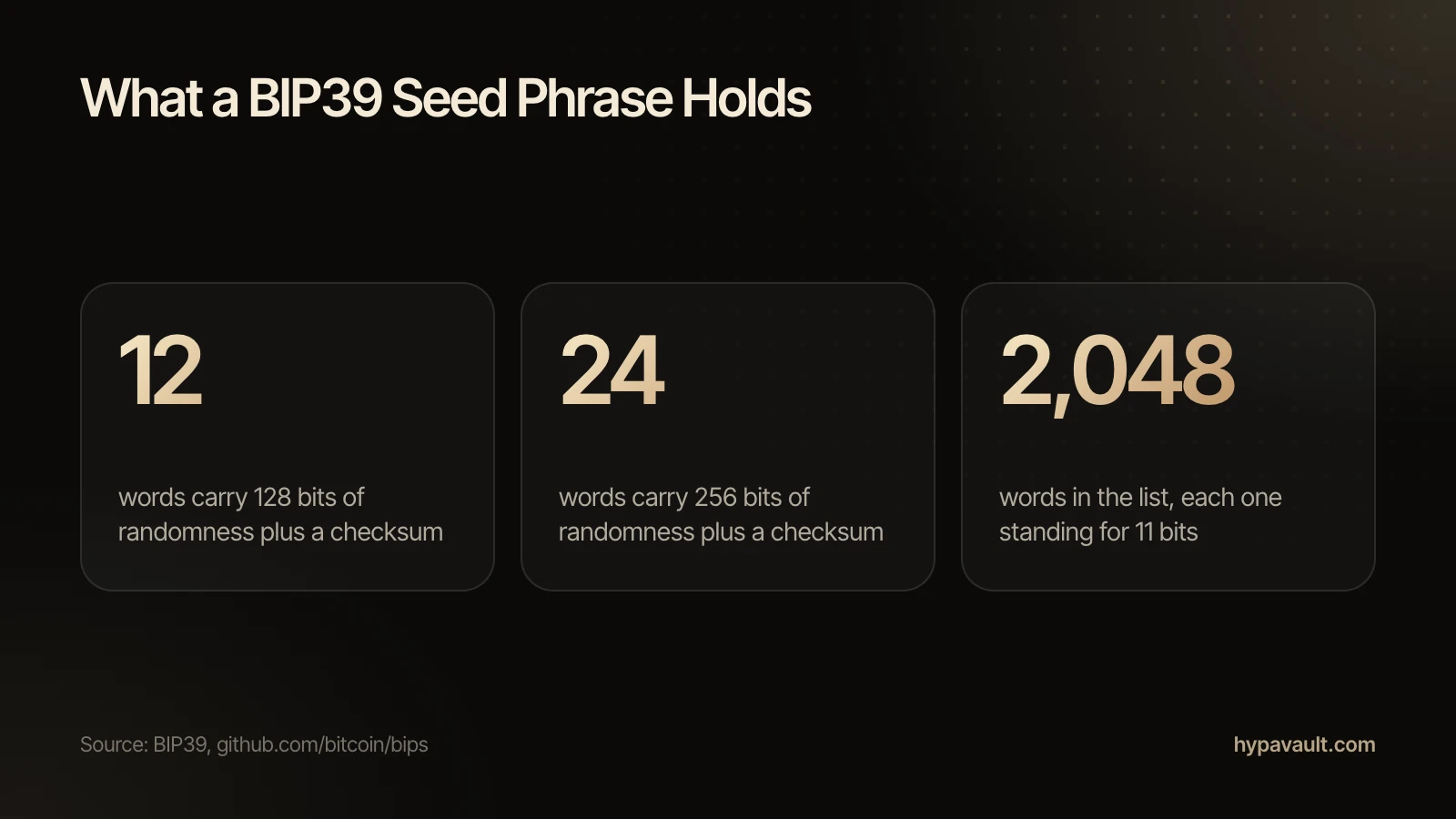
Seed phrase notes hold 12 or 24 words in a numbered grid. The words show only while you press and hold, then hide again.
Paste a Whole Phrase
Paste all the words at once to fill the grid. In the list, a 12-word phrase reads "12 words, hidden", so a glance gives nothing away.
A Clipboard That Clears Itself
Copied secrets clear from the clipboard after 60 seconds. Text notes save as you type.
How to Use Notes and Seed Phrases
3 steps, shown on the screen you'll see in the app.
Questions About Notes and Seed Phrases
Text notes and crypto seed phrases, encrypted.
Keep a paper copy somewhere safe. For a digital copy, use an encrypted note instead of a screenshot, email or ordinary notes app. HypaVault encrypts seed phrase notes on your phone and never sends them anywhere.
Read the Help ArticleNo. A seed phrase note holds your crypto wallet's words. Your recovery phrase is the 12 words HypaVault gives each vault to reset its passcode and open its backups.
Read the Help ArticleYes. Seed phrase notes hold 12 or 24 words in a numbered grid.
Read the Help ArticleScreenshots sit in your gallery, and often in a cloud photo backup, where malware can scan for them. An encrypted note keeps the words out of both.
Read the Help ArticlePress and hold. The words show only while you hold, then hide again. In the list, the note simply reads "12 words, hidden".
Read the Help ArticleIt clears from the clipboard after 60 seconds.
Read the Help ArticleYes. Text notes save as you type, encrypted.
Read the Help ArticleFree holds 5 notes, counted across the whole phone. Pro removes the limit.
Read the Help Article
Go Further with Notes and Seed Phrases
The full walkthrough, the reasoning behind it, the short version of each task and a free tool to check your own setup.