Private Photo Vault for iPhone, iPad and Android
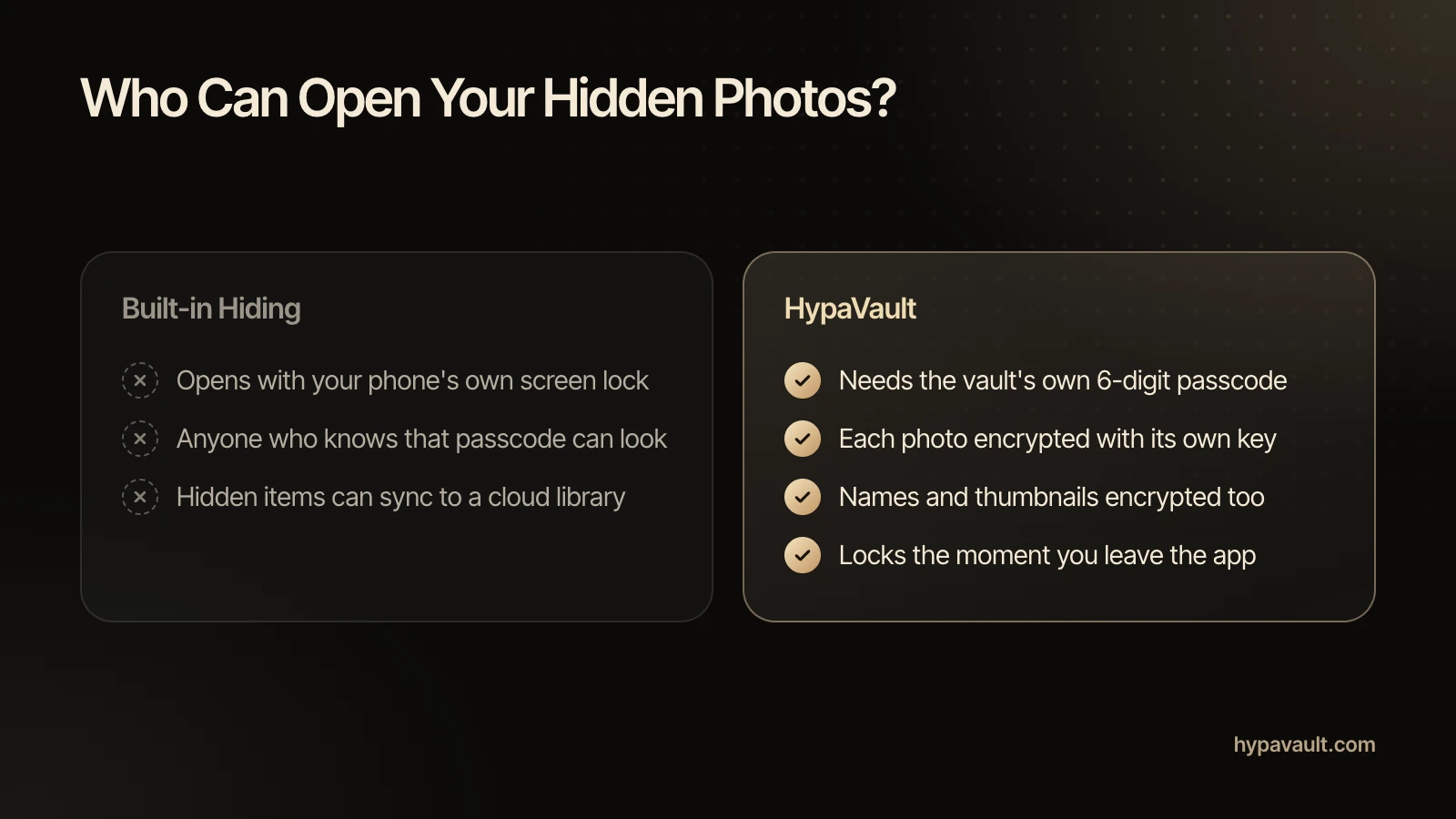
Your gallery is open to anyone holding your phone, and often copied to a cloud. HypaVault keeps private photos in an encrypted vault that opens only with your passcode.

Private Photo Vault at a Glance
Private Photo Vault is the Photos tab in HypaVault, an encrypted vault app for iPhone, iPad and Android. Every photo and its thumbnail is encrypted with AES-256-GCM on your phone, each file with its own key, before it's saved. Photos you take with the in-app camera never reach your gallery. Imported ones stay in the gallery, and any cloud photo backup, until you delete the originals there. HypaVault reminds you how.
- In the App
- The Photos tab
- Encryption
- AES-256-GCM, a key for every file
- Works On
- iPhone, iPad and Android
What Private Photo Vault Does
Encrypted Before It's Saved
Every photo and its thumbnail is encrypted with AES-256-GCM, each file with its own key, before it's written to your phone.
A Camera That Skips the Gallery
Take photos with the in-app camera and they go straight into the vault. Nothing is saved to your phone's gallery.
A Timeline You Already Know
Photos sit in a grid grouped by month, newest first. Pinch to change the grid size, and zoom up to 10× in the viewer.
How to Use Private Photo Vault
3 steps, shown on the screen you'll see in the app.









Questions About Private Photo Vault
Photos encrypted on your phone, out of your gallery.
Import them into HypaVault from Photo Library, then delete the originals in the Photos app, including the Recently Deleted album and any cloud photo backup. The copies in HypaVault stay encrypted on your phone.
Read the Help ArticleImport them from Photo Library, then delete the originals in your gallery app and any cloud photo backup. The copies in HypaVault stay encrypted on your phone.
Read the Help ArticleNo. After an import, HypaVault offers to remove the originals and explains how. Recently Deleted and any cloud photo backup may still hold copies until you clear them.
Read the Help ArticleYes. Take Photo uses the in-app camera, and the photo goes straight into the vault. Nothing is saved to your gallery.
Read the Help ArticleYes. Thumbnails are encrypted like the photos, and they're decrypted only as they scroll into view.
Read the Help ArticleYes. The Photos tab shows every photo wherever it's filed, and the Files tab lets you organise them into nested folders.
Read the Help ArticleFree holds 50 photos, counted across the whole phone. Pro removes the limit.
Read the Help ArticleNot in HypaVault. The vault needs its 6-digit passcode, it locks when you leave the app, and a cover hides it in the app switcher.
Read the Help Article
Go Further with Private Photo Vault
The full walkthrough, the reasoning behind it, the short version of each task and a free tool to check your own setup.